 ProfitDriver
Real earnings per hour, after fuel and wear. For Uber and Lyft drivers.
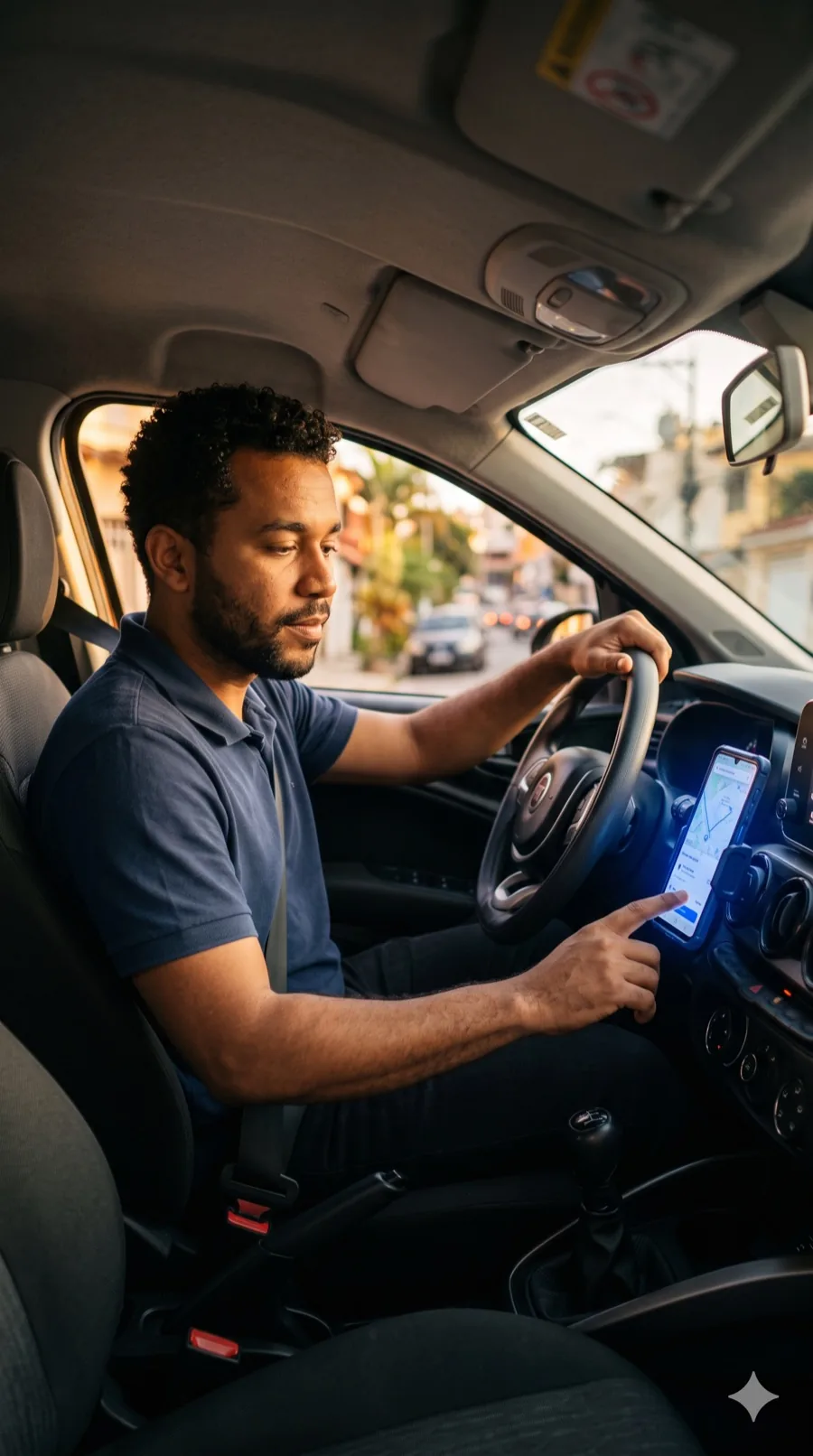
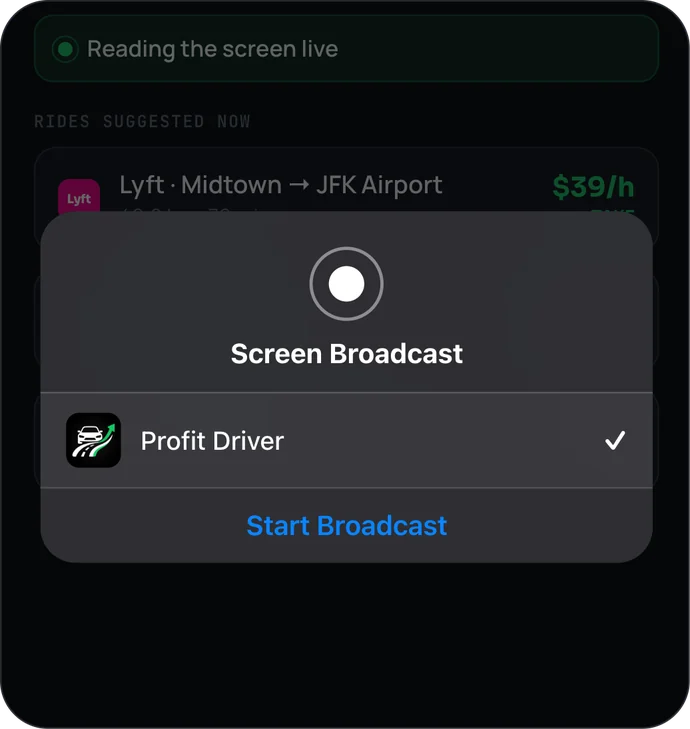
With one tap, the app starts tracking the offers that arrive on your screen.
Open Uber or 99 as usual to receive ride offers.
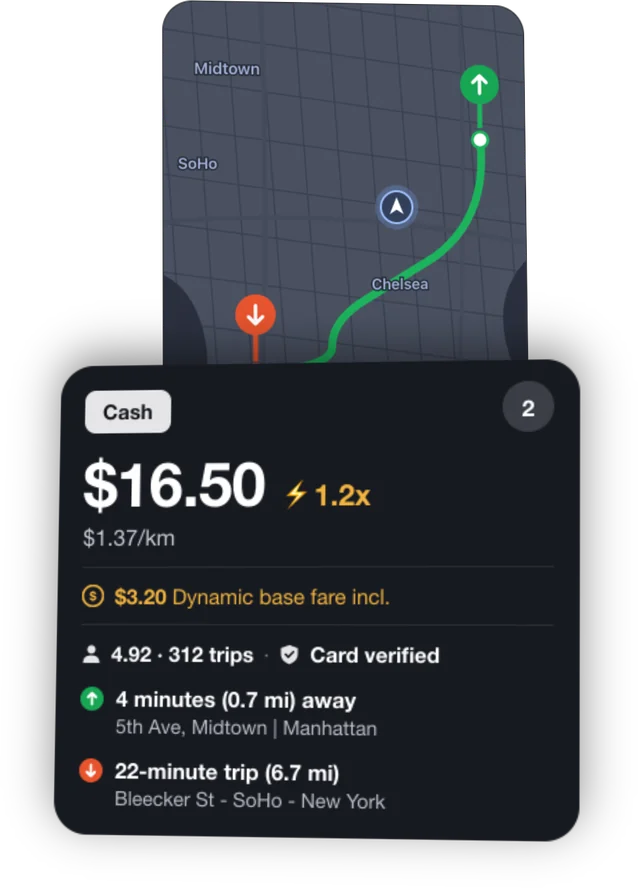
You can use more than one.
I say the verdict out loud.
The verdict at the top of the screen. On CarPlay it's the main one.
The notification over the ride app.
The verdict in the island, at the top of the screen.
The app adds up your real profit for the day, minus your costs, and shows how far you are from your goal.
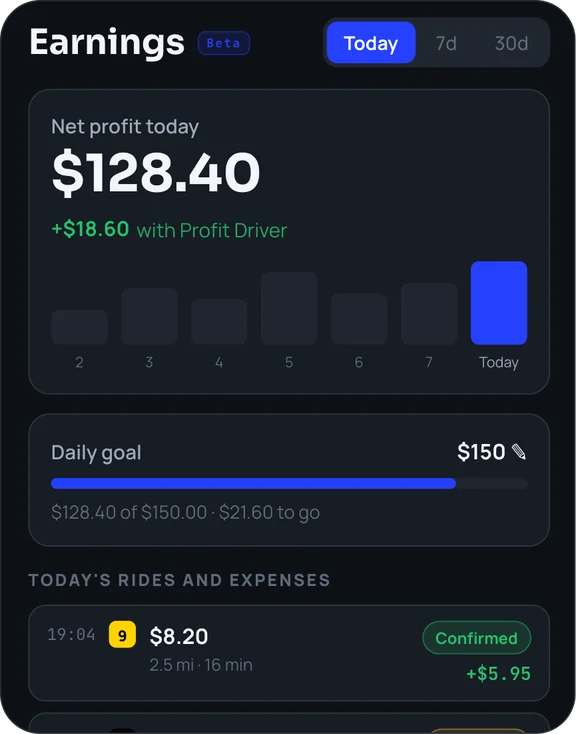
The app never accepts or declines for you and never taps anything in another app. It reads and advises. The choice stays with you.
The ride meets your target.
Between 80% and 100% of your target, so you decide.
Below 80% of your target.
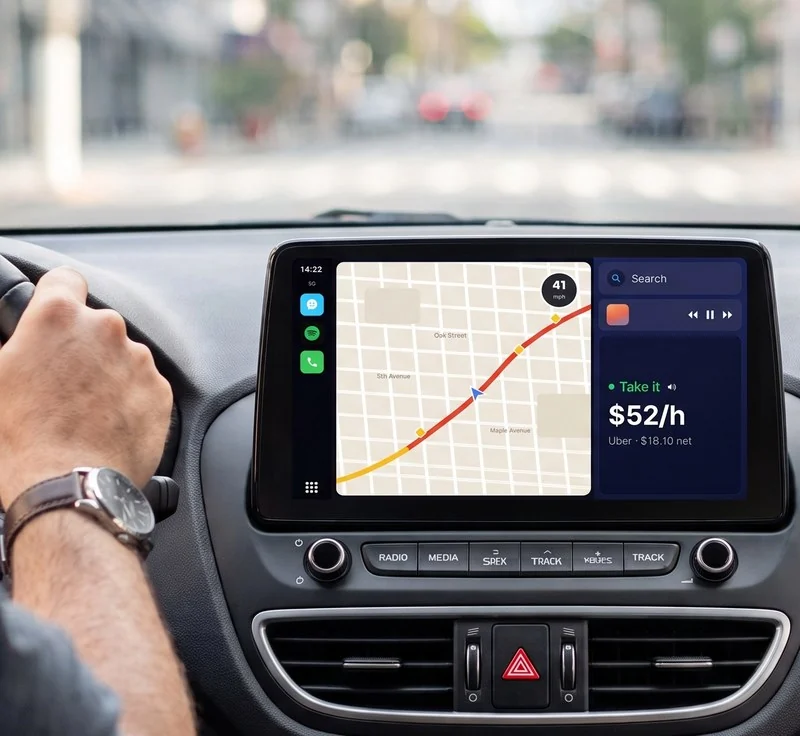
CarPlay
The verdict shows on your car's screen through the iPhone live activity, without touching the phone.
No. It only shows the verdict. Accepting or declining is always your decision.
No. Reading happens only on your iPhone and is discarded immediately. No screen image ever leaves the device. See the Privacy Policy.
During the broadcast, the notification shows at the top of the screen if this iPhone setting is on: iPhone Settings → Notifications → Screen Sharing → Allow Notifications. If it's off, it goes to the Notification Center. Live activity and spoken voice are the app's main alerts. Set it up in Settings → How you want to be alerted.
No. The app works without any account or link to your driver account.
The subscription is billed by the App Store and can be cancelled anytime in iPhone Settings → your name → Subscriptions.
Uber, Lyft, Bolt, inDrive and 99.
Real pay per hour · Instant verdict
Download on the App StorePosts about ProfitDriver on iOS Lovers, our blog about apps for iPhone: we used the app, tested every feature and compared it with the other rideshare apps.
 ioslovers.blogProfitDriver Review: The Rideshare App That Tells You If a Ride Is Worth Itioslovers.blogProfitDriver vs Mystro vs Corridex vs GigU: Which Rideshare Driver App Is the Most Complete on iPhone?ioslovers.blogUber, Lyft, 99, inDrive, Bolt and DiDi on iPhone: Which Rideshare Driver App Is the Best?ioslovers.blogRideshare Earnings Calculator for Uber, Lyft, 99 and inDrive Drivers on iPhoneioslovers.blogiPhone or Android for Uber, Lyft, 99 and inDrive Drivers: Which Phone Is Best?